I Stopped Chasing Emails. Let Copilot CoWork Do It Twice a Day.
Notes by SDG ·
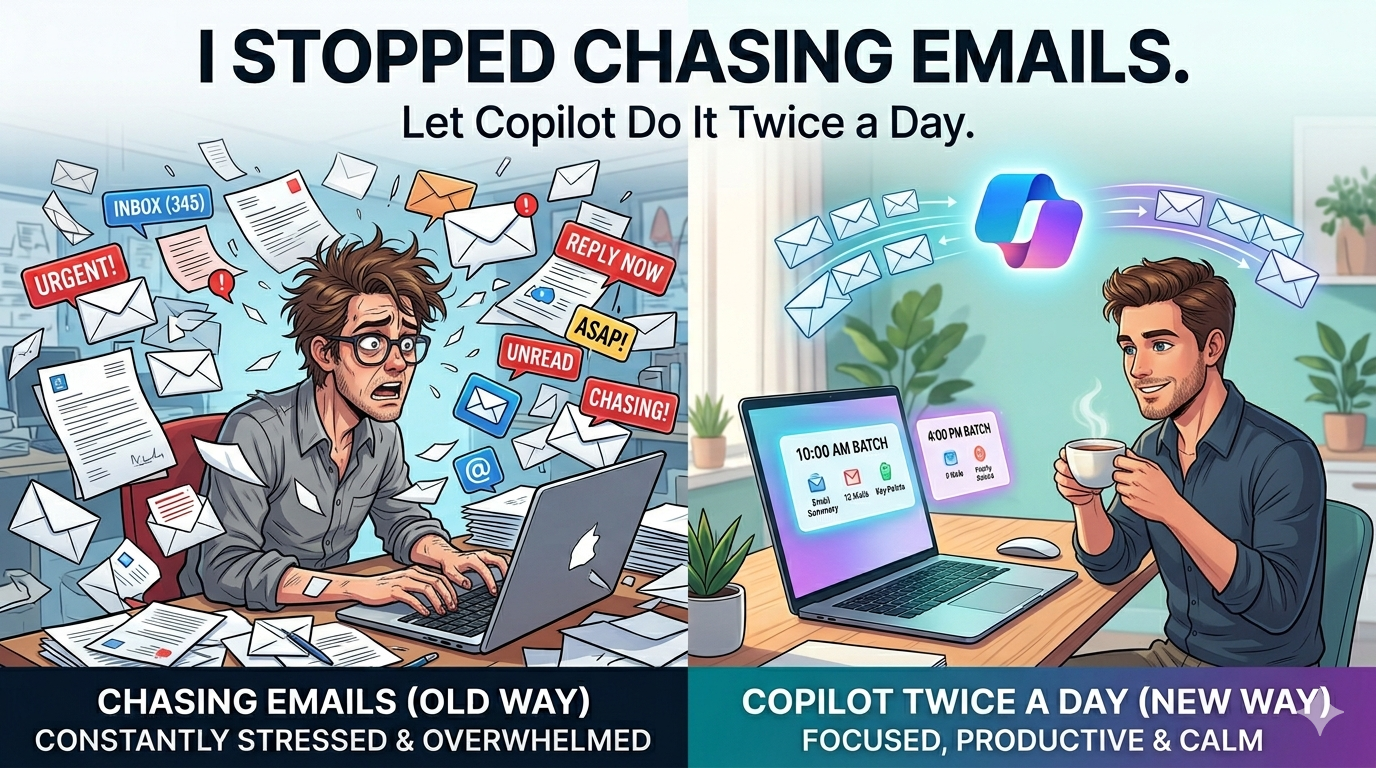
If you’re in a role where everything flows through email and Teams, here’s the reality:
You’re not behind because you’re slow.
You’re behind because the signal is buried.
That’s what I was dealing with—especially across escalations, customer threads, and internal follow-ups.
So I made one small change:
I stopped reacting all day and started using Copilot CoWork twice a day.
---
What I Actually Set Up
Nothing fancy.
Two things:
- A twice-daily scan of emails + Teams chats. Scheduled and delivered to my inbox..
- A living action tracker that updates itself -> this is a game changer for me
Plus one tweak that made a big difference:
- I customized the prompt with key people from my accounts and internal teams
More on that below.
---
Why This Works (And Why It’s Not Just Another Tool)
This only works because Copilot isn’t looking at one app.
It’s pulling context across:
- Teams chats
- Meeting threads
- People you work with
So when it surfaces something, it’s not random.
It’s based on:
- Who’s involved
- What the thread is about
- Whether something looks like a decision or commitment
That’s the “work IQ” part.
It’s not summarizing content — it’s connecting it.
---
1. Morning + Afternoon Scan (That’s the Only Time I Check)
Instead of checking constantly, I now do this:
- Morning: What actually needs my attention today?
- Later: What changed?
Copilot at the scheduled time scans
- Outlook emails
- Teams chats
Copilot CoWork is starting to change how I work.
And emails me:
- What matters
- What’s time-sensitive
- Where I’m expected to respond
Not everything. Just the important stuff.
---
2. I Tuned It for My World (This Matters More Than People Think)
Out of the box is fine.
But the real value came when I guided it a bit.
I added key names into my prompt:
- Customer stakeholders (my priority accounts)
- Internal folks tied to escalations and delivery
Now the prioritization is sharper:
- Threads from those people surface faster
- Signals from key accounts don’t get buried
- Less noise from low-impact conversations
This is where the “IQ” shows up.
It’s not just reading messages — it’s learning what matters in your context.
---
3. Prioritized View (Not Another Inbox)
Most tools just rearrange your inbox.
That doesn’t help.
What I get instead:
- “You need to respond here”
- “This looks like an action on you”
- “This can wait”
And it’s based on context, not keywords.
That’s the difference.
---
4. The Action Tracker (This Is the Real Value)
This is what made it stick.
Copilot pulls action items from:
- Emails
- Teams chats
And maintains one list.
It updates as conversations move.
So:
- If something turns into an action → it shows up
- If ownership shifts → it adjusts
- If context changes → it reflects that
No manual tracking.
No stale lists.
---
What Actually Changed
I miss fewer follow-ups
Not because I’m more careful—because things aren’t buried anymore.
Less context switching
I’m not jumping across inbox, Teams, and notes trying to connect dots.
Cleaner meeting prep
Before a call, I just check:
- Open actions
- Relevant threads
Context is already pulled together.
Lower mental load
I’m not carrying “don’t forget this” in my head all day.
---
Where This Really Shows Up
Anywhere work isn’t clean and linear:
- Escalations
- QBR follow-ups
- Cross-team coordination
- Customer threads with multiple stakeholders
Basically, real-world work.
---
What This Isn’t
This isn’t automation for the sake of automation.
It’s just:
- Cutting noise
- Surfacing signal
- Tracking commitments
---
The Shift
Before:
- React all day
- Constantly check
- Try to remember everything
Now:
- Check twice
- Focus on priority
- Work off a clean list
Same workload. Less chaos.
---
If I Had to Sum It Up
Copilot isn’t helping me “go through emails faster.”
It’s doing something more useful:
- Connecting conversations
- Prioritizing based on people + context
- Tracking commitments without me asking
That’s what “work IQ” actually feels like in practice.